Agenton Pocket

your phone, not a pricey pocket gadget

AgentOn, to go.

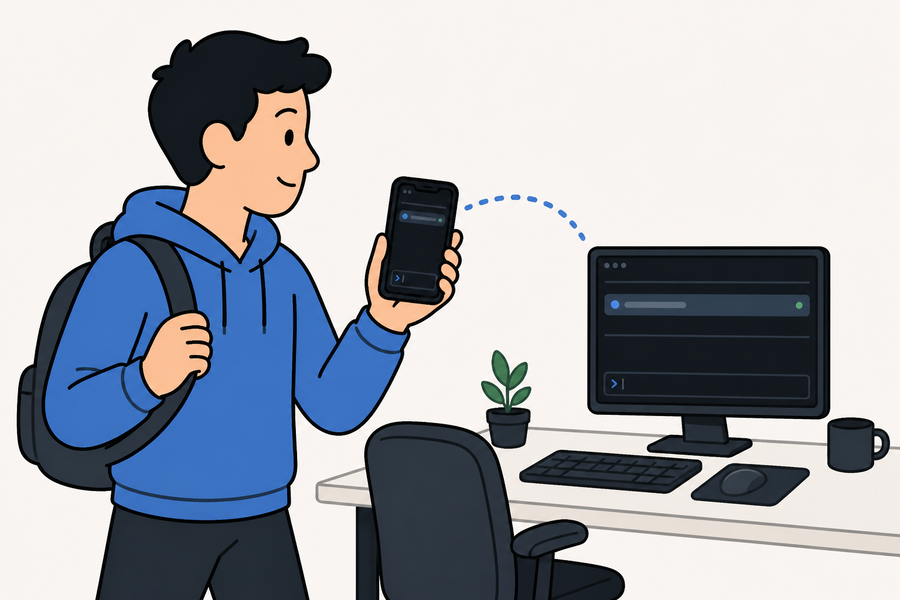
A dedicated pocket AI-coding device runs hundreds. But your session already lives on your computer — AgentOn just lets the phone in your pocket drive it. Start claude or codex at the desk, walk away, and pick up the same live session on your phone. Free and open source — the web client and the native iOS app both. Tailscale's free plan covers the rest.

free & open source · runs on your own machine, over your tailnet

on your phone

Two modes. One live session.

Attached from your phone, agenton works two ways — hands-on in a full terminal, or as a pure landscape controller for the session running on your computer.

phone mode

The whole session in your pocket

A native terminal with real scrollback, a thumb-friendly button pad, and press-to-talk in the message bar — everything you'd do at the keyboard, on glass.

It's fully drivable, not a viewer: type or tap and the agent reflows to your phone.

controller mode

A landscape remote for your desk

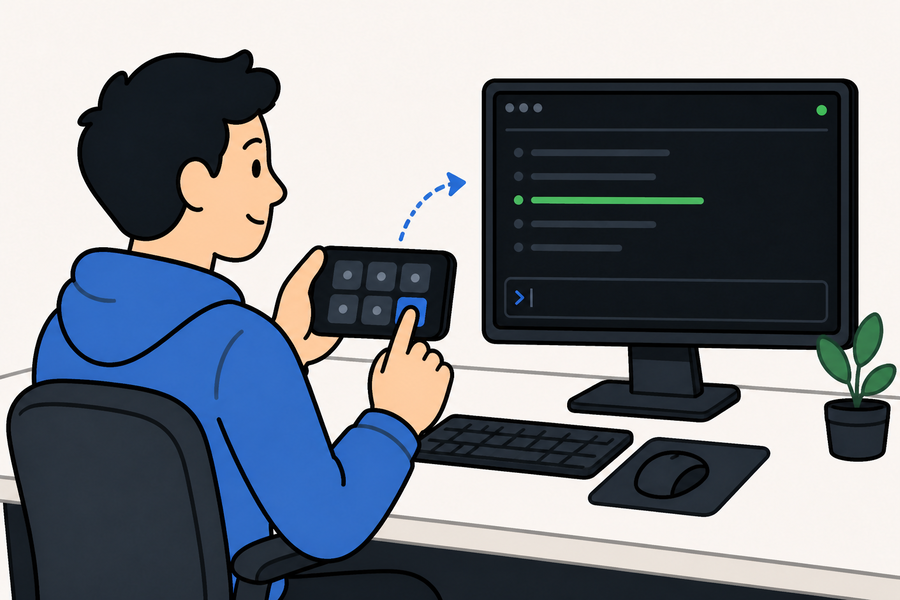
Flip to Controller and it locks to landscape — a pure button pad, no terminal to squint at. Every tap drives the exact session your computer is showing: accept, reject, stop, arrows to move. A rotate button flips orientation by hand, and the mic sends voice.

controller mode — landscape pad, drive by tap or hold-to-talk

agenton, to go

Flip without stopping.

One tap on the toggle swaps between them — the session never pauses, never reconnects. Drive hands-on at the desk; flip to the controller when you stand up to leave.

no text field on the controller — you drive with the pad or hold-to-talk. One tap on the header toggle and the session keeps running, no reconnect.

the idea

One daemon. Two ways in.

Sessions don't live in your terminal — they live in a background daemon. Each client is just a view onto the same running agent, so you can walk away from your desk and pick up on your phone.

desk

Terminal, at the desk

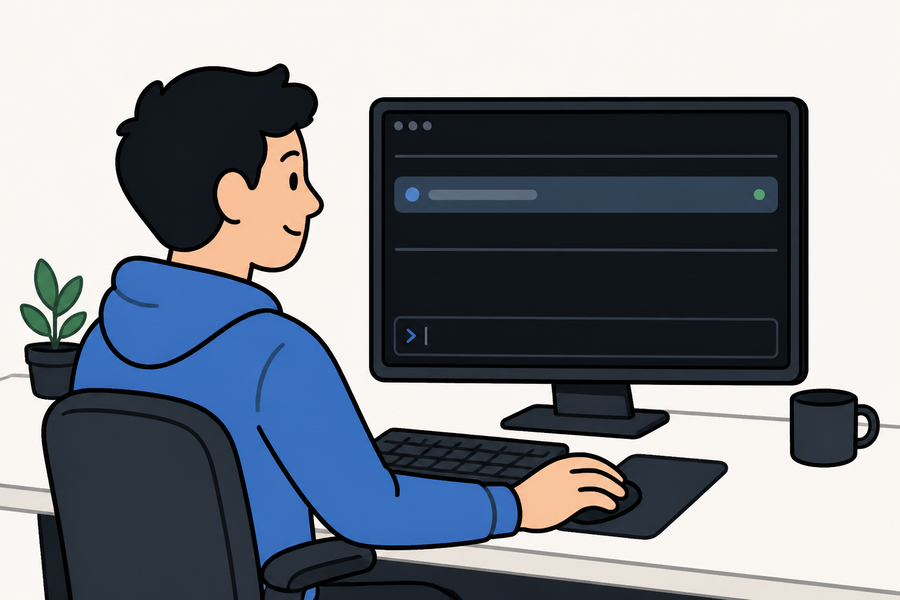
A minimal TUI wrapper. Type straight to the agent; the only extra is session switching with ctrl+t.

pocket

Native app, on your phone

A SwiftUI client speaking the same wire protocol. Native scrollback, haptics, an SF-Symbol button pad, press-to-talk, and QR pairing.

claude · codex · shell ◆ agenton daemon TUI  ·  iOS watch one session from both at once ⟲

where it starts

At the desk.

It begins in a minimal terminal wrapper: list your sessions, attach, and type straight to the agent. The phone picks up whatever you start here — the same live session, no reconnecting.

01   the session list

Everything running, at a glance

Each row is a live agent: a short repo label, which agent is running inside, and a pulsing running status. Start one with n, attach with enter.

The list auto-refreshes — a session you start on your phone shows up here on its own.

agenton

acme-apiClauderunning
#2billing-svcCodexrunning
#3dotfilesZshrunning
[enter] attach   [n] new   [d] kill   [r] refresh   [q] quit
02   attached

A full raw terminal, no chrome

Attach and every keystroke goes straight to the agent's PTY — exactly as if you'd launched it right here. Scrollback replays instantly on reattach.

ctrl+t is the one reserved key: it pops back to the list and doubles as detach. The session keeps running.

ctrl+t → switch sessions
Welcome to Claude Code! /help for help, /status for your current setup cwd: ~/projects/acme-api
> add retry with backoff to the webhook sender, then test I'll add jittered backoff to the webhook sender. Read(internal/webhook/sender.go) ⎿ Read 142 lines Update(internal/webhook/sender.go) ⎿ Added retryWithBackoff · +18 lines Bash(go test ./internal/webhook/...) ok acme-api/internal/webhook 0.41s Done. Webhook retries 3× with jittered backoff; test added.
? for shortcuts
03   handing off

The desk is primary — hand off cleanly

Drive the same session from your phone and the desk terminal freezes its last frame, showing a takeover hint instead of a garbled, wrong-sized screen. Press any key at the keyboard to grab it back — the phone drops to the Controller pad on its own.

Sit back down and attach the TUI and the reverse happens: it reclaims the session and the phone parks to Controller automatically.

ctrl+t → switch sessions I'll add jittered exponential backoff to the webhook sender. Update(internal/webhook/sender.go) ⎿ Added retryWithBackoff — 18 lines added Bash(go test ./internal/webhook/...) ok acme-api/internal/webhook 0.41s
Phone active — press any key to activate

the fine print, minus the fine

What you get.

Small surface, few moving parts — the daemon and its wire protocol do the work, every client is just a view.

Sessions survive detach

Quit any client and the daemon and every agent keep running. Come back with a single agenton.

Watch or drive

Attach from the desk and the phone at once. Drive from either; the other watches. Tap the toggle and your phone becomes a pure controller without disturbing the terminal.

Rebindable button pad

Long-press a custom key to rebind it with a tap-to-compose picker — pick a key, a combo, or a literal string. No chording on a touchscreen.

Press-to-talk

Hold the mic in the message bar and dictate — on-device speech drops the transcript in to review, then send. Skip thumb-typing long prompts.

Tailnet is the auth

agenton rides the Tailscale app you already run — no extra node to approve, free plan is fine. Only devices on your tailnet can reach it — that's the whole model.

Scan to pair

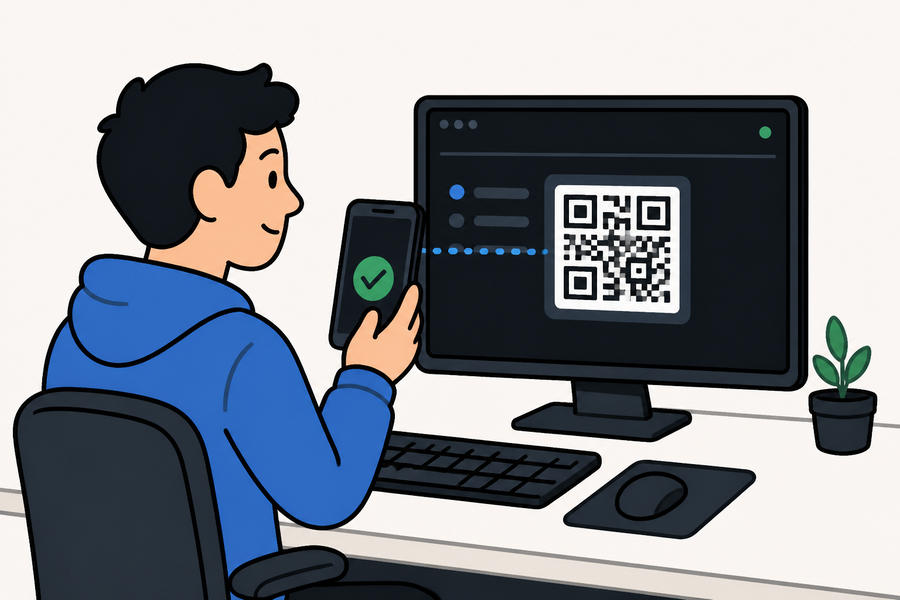
agenton qr prints a code; the iOS app reads it and you're connected. No IP addresses, no typing.

One-command install

./install.sh fetches a prebuilt release (or builds from source if Go's present) and puts one small binary on your PATH — no daemon to configure. Then agenton.

Take it to go

Get up mid-run and the same session flips to the pocket controller — nothing stops, nothing reconnects. Land back at the desk and pick up where you left off.